
 Priviot Write · Available for macOS and Windows
Write, design, and develop documents.
Priviot Write combines focused writing with a clear ribbon, flexible page layout, and tools for tables, images, and review—directly on your device.
Local work with no mandatory cloud service.
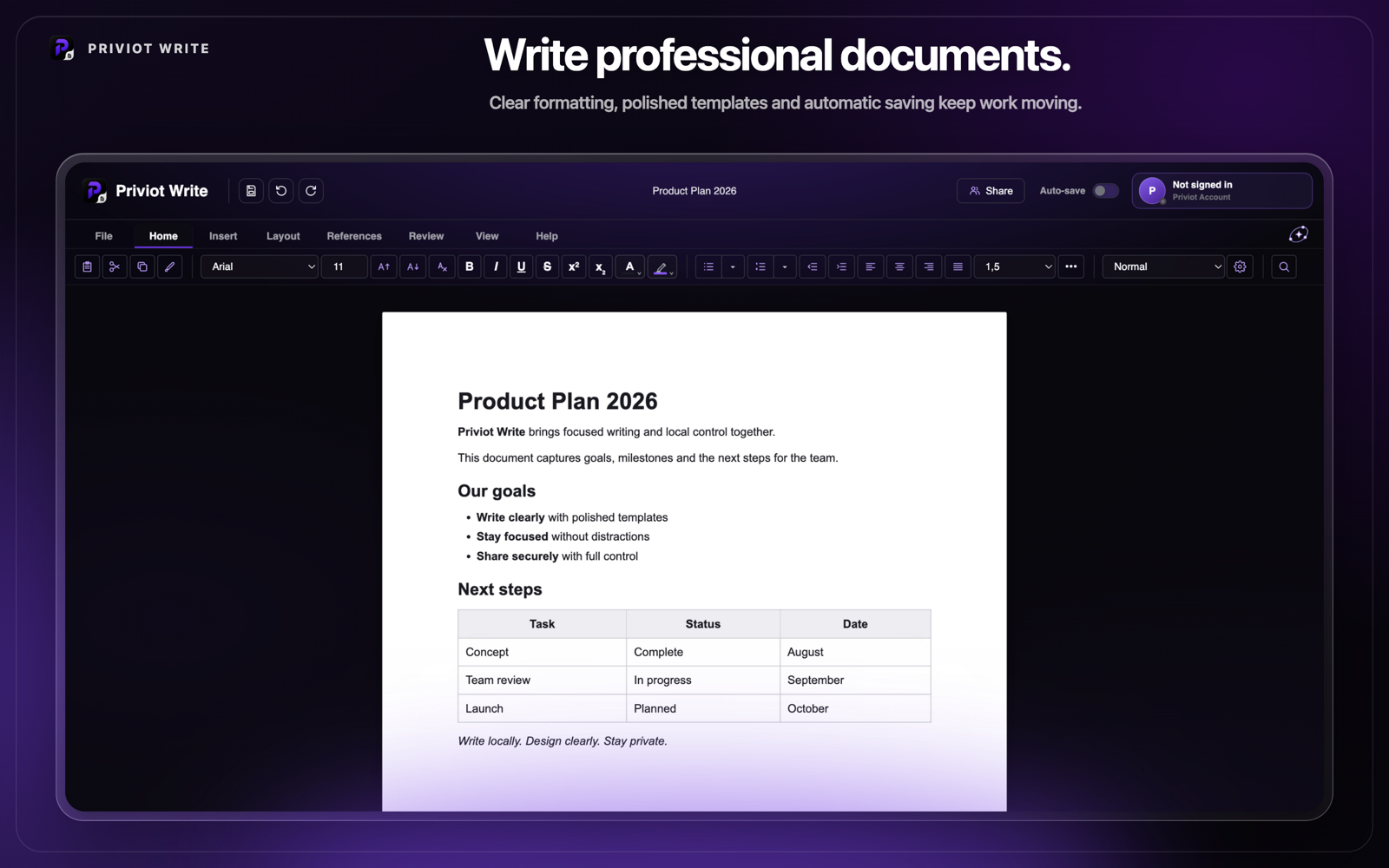
The essential tools for everyday writing.
From the first page to the final review, content, layout, and structure stay together in a calm interface.
Write & format text
Structure content with paragraphs, headings, lists, quotes, and essential character formatting.
Set up pages
Adjust paper size, orientation, and margins while keeping the final printed page in view.
Edit tables
Insert tables with a direct grid picker and manage rows, columns, borders, and alignment.
Insert images
Place images in a document and adjust their size, rotation, alignment, and text wrapping.
Comments & review
Add comments and use visible tools to review and follow changes across the document.
Floating toolbar
Reach common formatting and actions right next to selected text without interrupting your writing flow.
From first draft to structured document.
Priviot Write is made for content that evolves while you write: longer texts, letters, reports, and other documents with a clear page structure.
- Ribbon with clearly organized categories
- Page-oriented view with adjustable layout
- Direct tools for images, tables, links, and dividers
- Local drafts and recovery
File formats for full control
DOCX is Priviot Write's standard document format. Existing PRW files can still be imported and saved as DOCX. HTML and TXT remain available for file exchange.


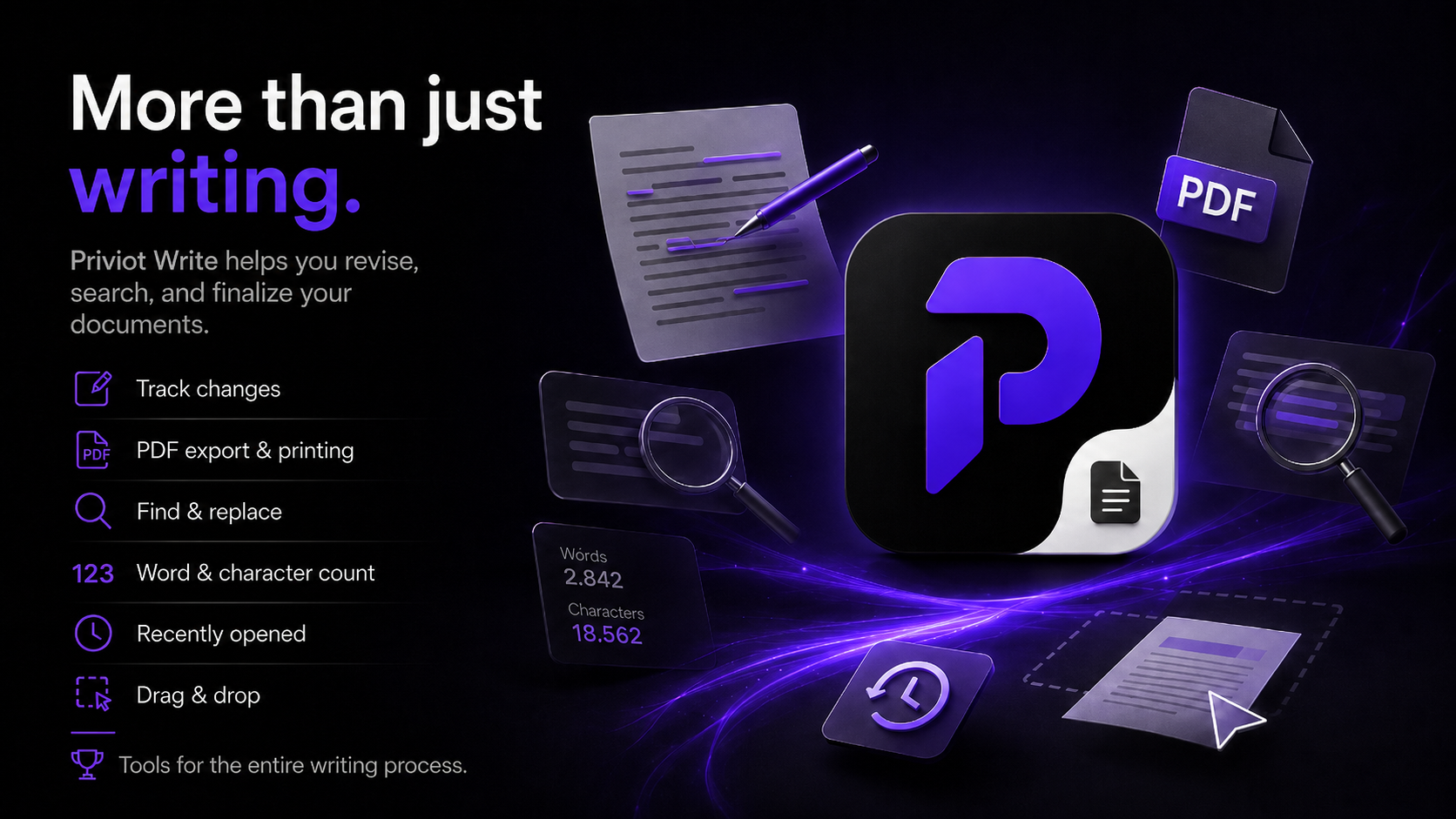
Tools for the whole writing process.
Priviot Write supports you while revising, searching, and finishing your documents.
Change tracking
Follow edits visibly and keep track of your document’s history.
PDF export & printing
Output finished documents directly as PDF or print them straight from Priviot Write.
Find & replace
Locate text precisely and replace it individually or across the whole document.
Word & character count
Keep an eye on word and character counts as you write.
Recently opened
Quickly return to recently edited documents.
Drag & drop
Drag files straight into Priviot Write to open them.
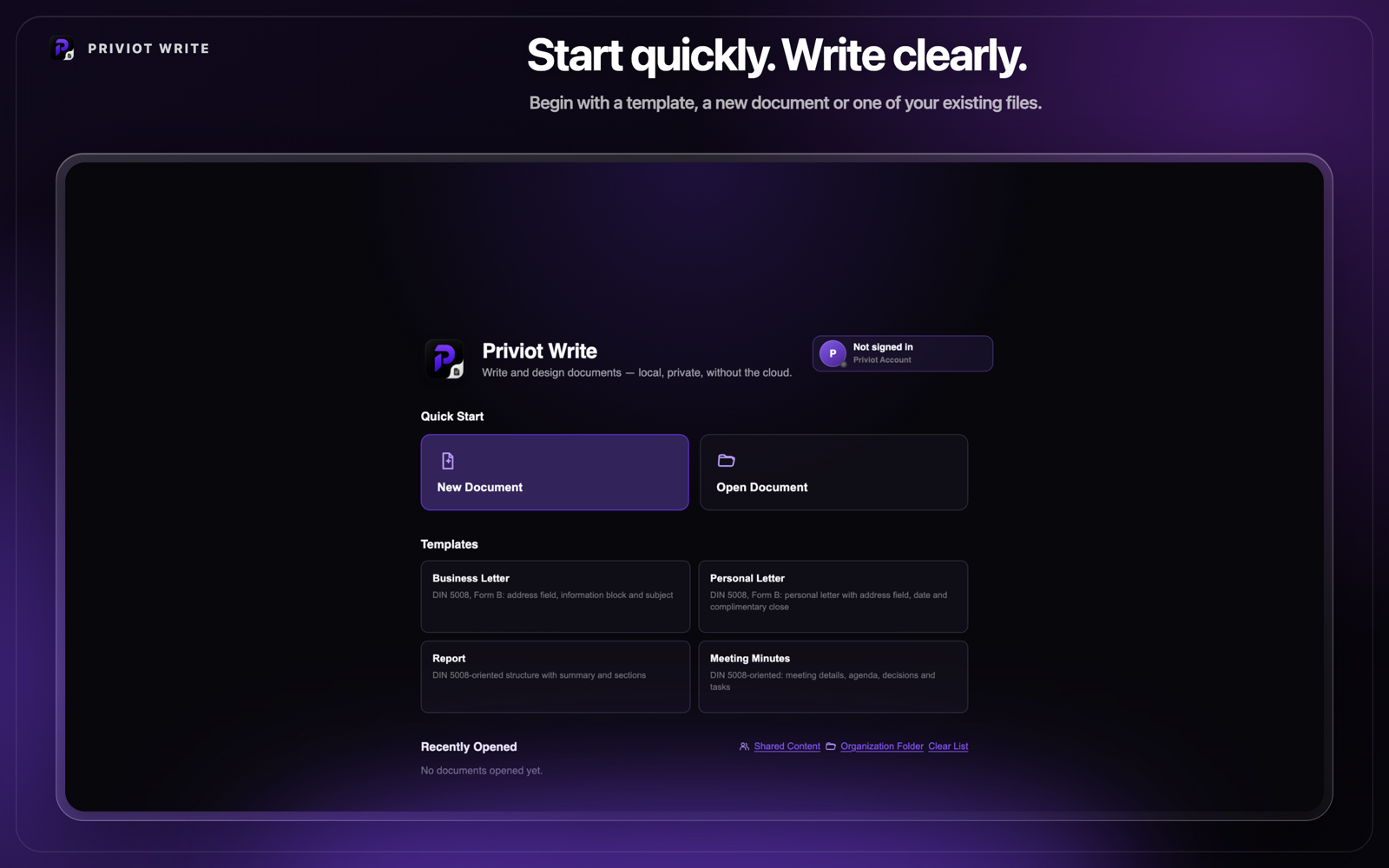
Templates for clear documents.
Start faster with matching templates – from business letters to meeting minutes.
- Business letter – DIN 5008, form B: address field, information block, and subject line.
- Personal letter – DIN 5008 personal letter with address field, date, and closing.
- Report – DIN-5008-oriented structure with a summary and sections.
- Meeting minutes – Header details, agenda, decisions, and action items.
Structure from the start.
Priviot Proof is already built in.
Spellcheck is integrated and runs locally. Grammar and clarity are clearly labelled preview features.
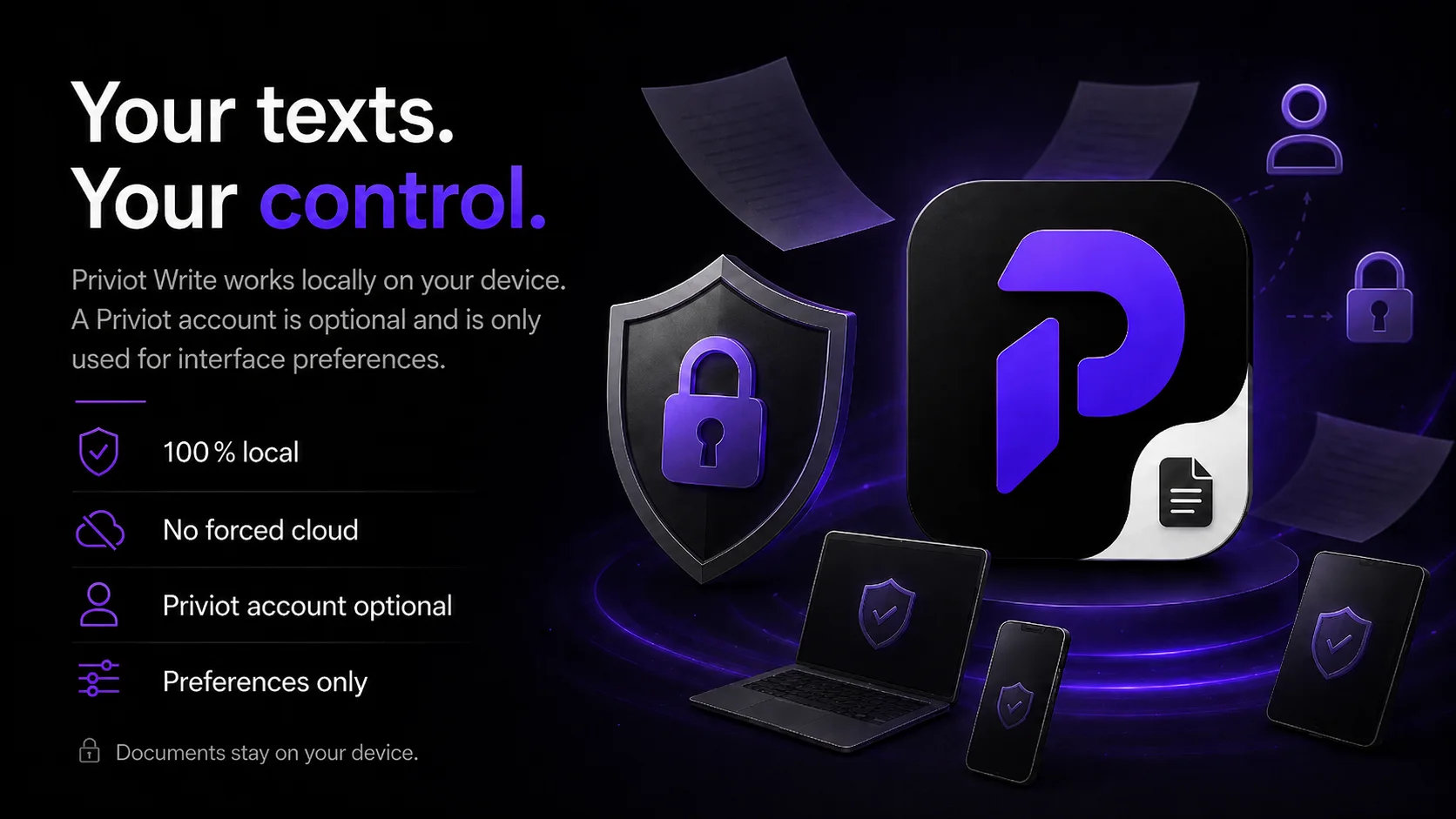
Writing with no mandatory cloud.
Documents are edited locally. Online services and future suite connections remain clearly labeled and optional.
Work locally
Writing, formatting, and organizing work directly on your device.
Useful on its own
Priviot Write remains a standalone tool and does not require another Priviot application.
Transparent capabilities
Product copy clearly separates available capabilities from future integrations.
Download Priviot Write.
Local. Private. Download Priviot Write directly to your device.
Version 1.8.0 · Available Released: 29 August 2026
Linux
Planned
Frequently asked questions about Priviot Write
Quick answers to what gets asked most about Priviot Write.
Are my text documents uploaded anywhere?
No. Priviot Write edits text documents locally on your device. There's no automatic transfer of your document contents to any server.
Do I need to register to use Priviot Write?
No. Priviot Write works with no mandatory cloud; local core features don't require an account.
Can I open Word documents (DOCX) with Priviot Write?
Yes. DOCX is Priviot Write's standard document format. Existing PRW files can still be imported and saved as DOCX. HTML and TXT remain available for file exchange.
Is Priviot Write available for Windows or Linux too?
Priviot Write is available in German and English on macOS and Windows now, Windows via the Microsoft Store. Linux is planned next.
What languages is Priviot Write available in?
Priviot Write and this website are currently available in German and English. You can switch the interface language using the toggle at the top of the page.
Is Priviot Write free to use?
Priviot Write offers a free core feature set. Advanced features and professional workflows may be offered as paid additions later.
How can I give feedback or report a bug?
Via the feedback page – linked in the menu above and in the footer under "Contact". Priviot reads every message personally.