
 Priviot PDF · Available for macOS and Windows
Your documents. Your control.
Edit existing PDF text, add new text, and adjust the finished page layout directly on your device. Editability depends on the PDF’s internal structure.
Your documents. Your control.
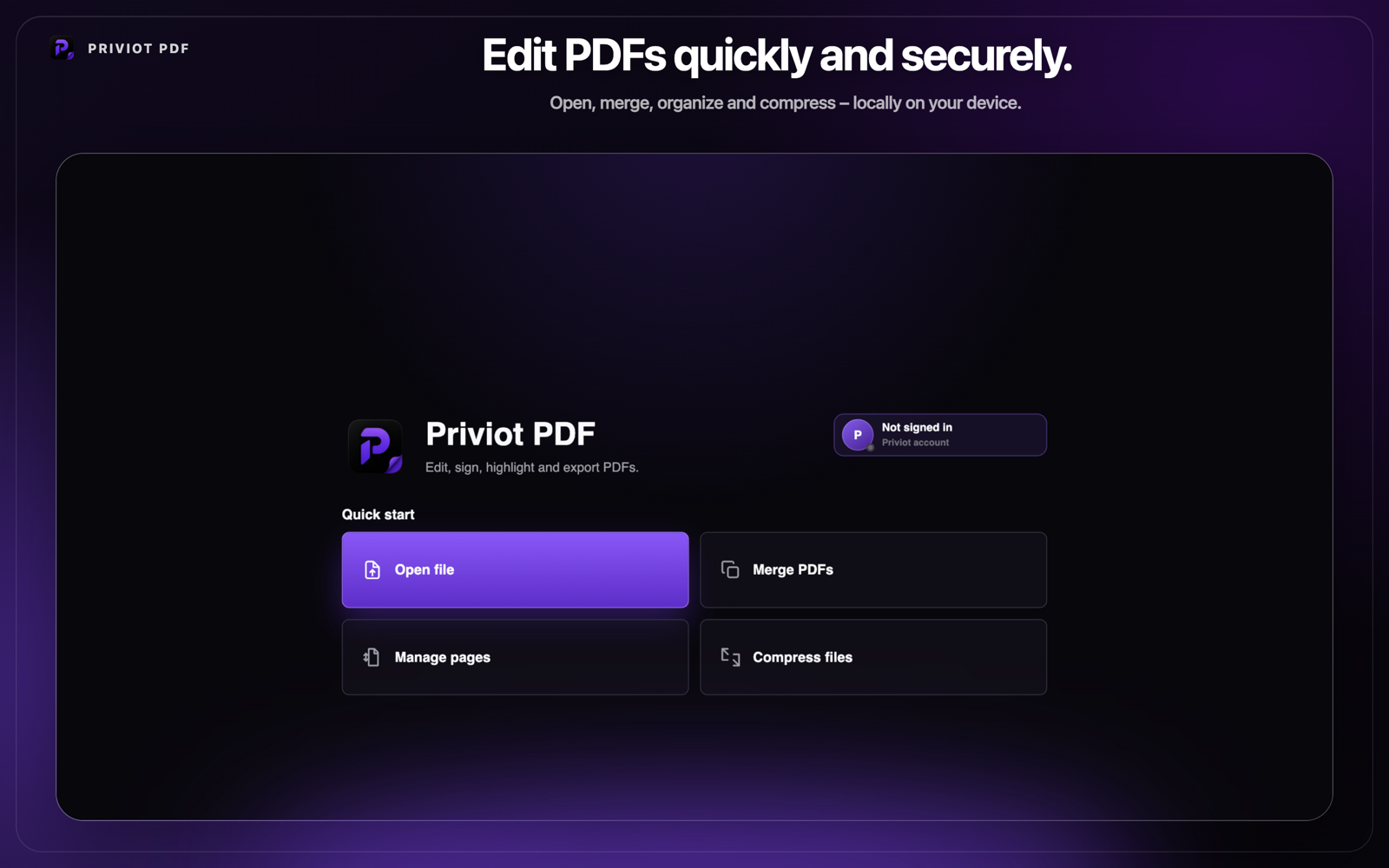
The essential tools for your PDF workflow.
Priviot PDF brings editing, page management, comments, forms, and document protection together in a clear interface designed for local use.
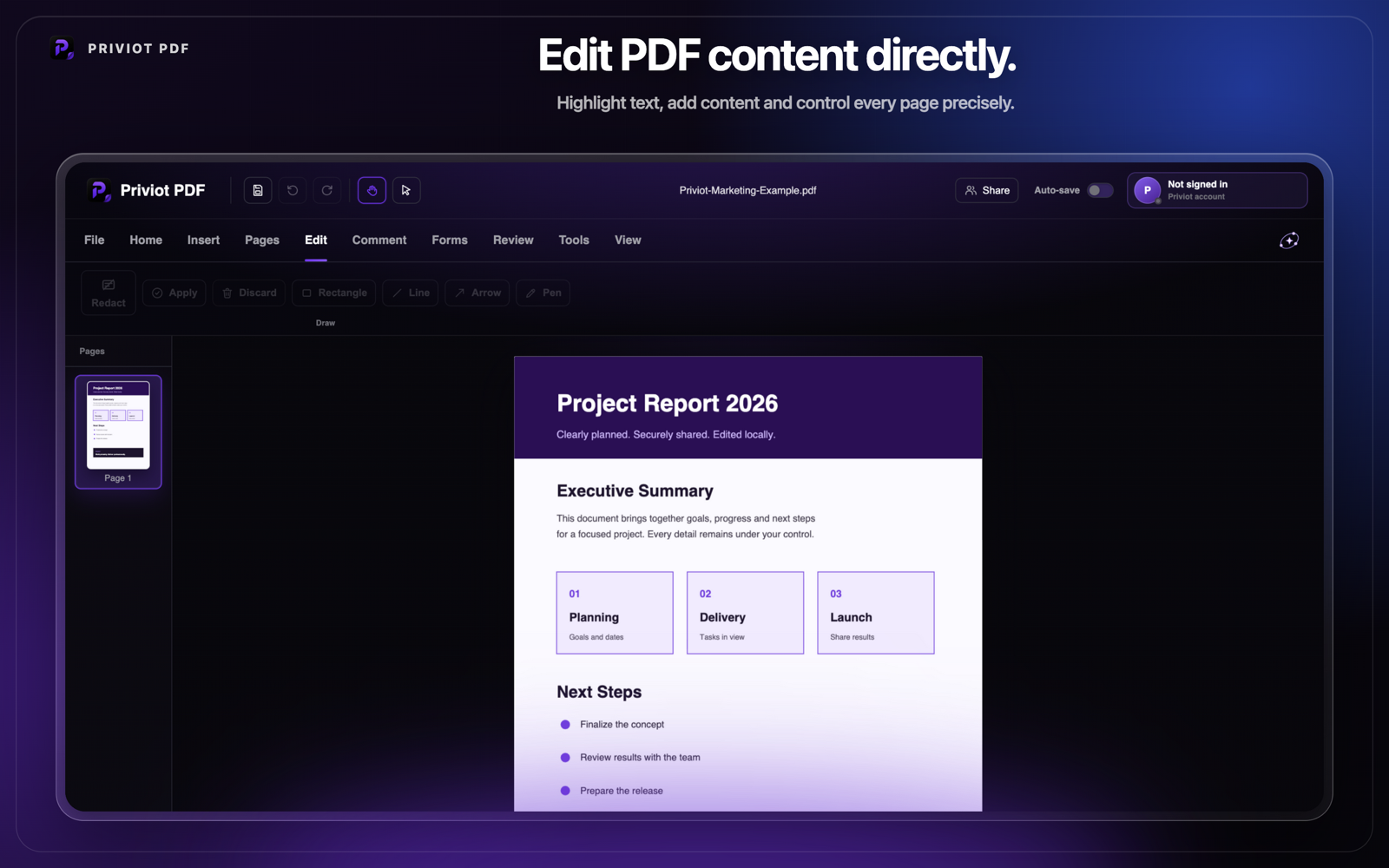
Edit, complete, merge, and compress.
This overview highlights the core tools for adding content, completing forms, and preparing multiple or particularly large PDF files for sharing.
Edit & add PDF text
Edit existing PDF text, add new text, and adjust font, size, and color. Editability depends on the PDF’s internal structure.
Manage pages
Rotate, delete, duplicate, insert, and reorder pages in a clear visual workspace.
Highlight & comment
Highlight text, add notes, and use underlining or strikethrough for review and revision.
Redact content
Mark sensitive content and remove it permanently from supported document structures. Complex pages are rasterized only after explicit confirmation, and a technical verification step aborts the job if the redaction cannot be completed reliably – the original then stays unchanged.
Forms & signatures
Add form fields, checkboxes, images, signatures, and stamps to your documents.
Local & protected
Document contents are processed locally. Open password-protected PDFs and save documents with password protection when needed.
Merge PDF files
Combine multiple PDF files into a single document while keeping the page order under control.
Compress PDF
Reduce the file size of your PDFs for easier sharing and sending – locally, with no upload.
In-depth guides for individual tasks.
Every Priviot PDF feature has its own page with a workflow, benefits, limits, and FAQ.
Merge PDF files
Combine multiple PDF files into one document in the order you choose.
Manage PDF pages
Rotate, delete, duplicate, insert, and reorder pages.
Redact PDF content
Mark sensitive content and apply a permanent redaction to the document.
Fill PDF forms
Add form fields, signatures, and stamps to a document.
Priviot PDF in action.
Explore the official version 1.6.0 for macOS and Windows.
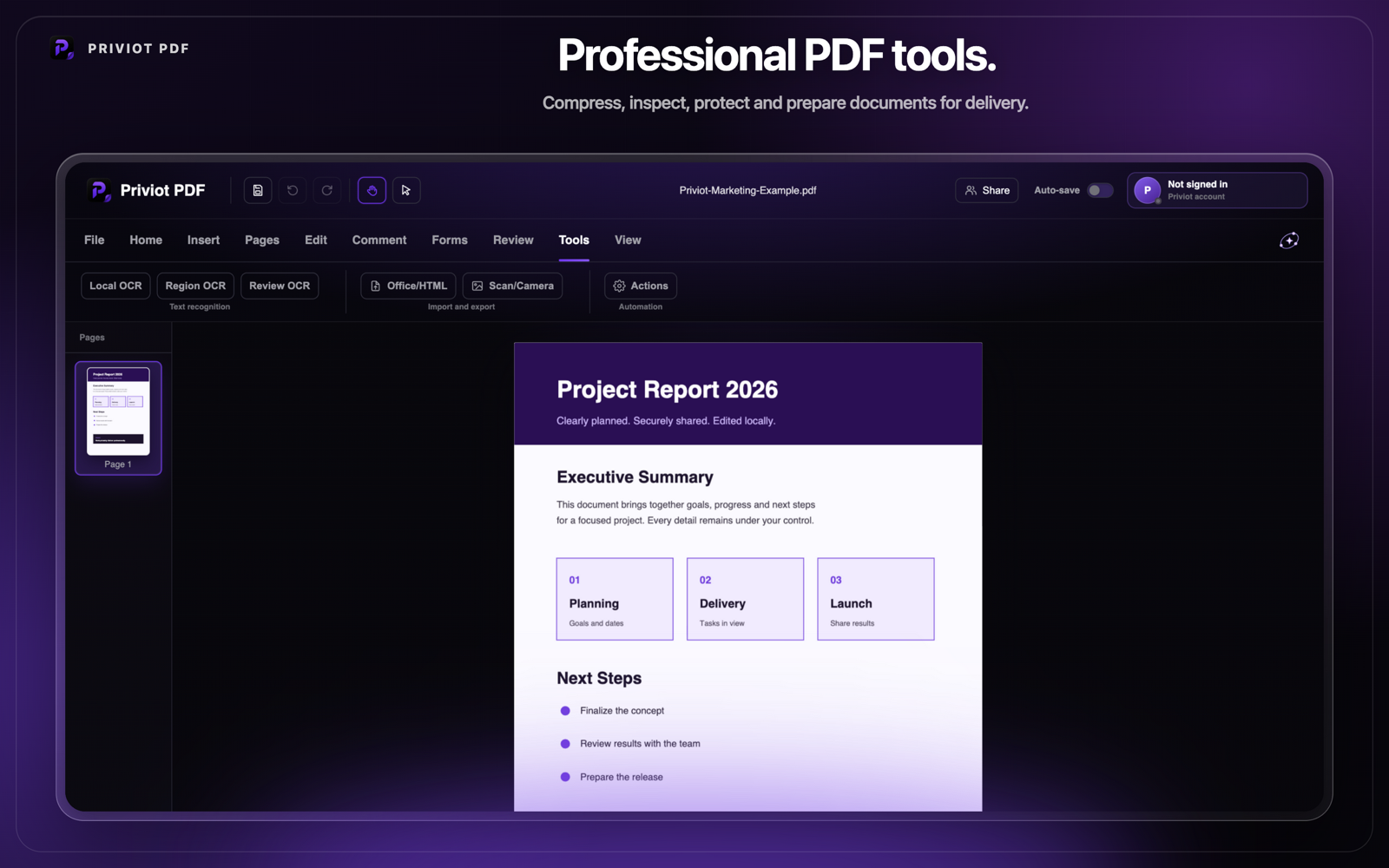
A clear workflow for recurring PDF tasks.
Open documents, comment on and review them, protect sensitive content, then export or print the finished result directly from Priviot PDF.
Download Priviot PDF
Modern. Local. Private. Download the current version of Priviot PDF directly to your device.
Version 1.6.0 · AvailableReleased: 24 August 2026
Linux
Planned
Priviot PDF – frequently asked questions
Quick answers to what gets asked most about Priviot PDF.
Are my documents uploaded anywhere?
No. Priviot PDF edits documents locally on your device. Your document contents are not automatically transferred to a server.
Do I need to register to use Priviot PDF?
No. You don't need an account or sign-in for the core features.
Is Priviot PDF available for Windows or Linux too?
Windows is available now. Linux is planned next.
What languages is Priviot PDF available in?
Priviot PDF and this website are currently available in German and English. You can switch the language using the toggle at the top of the page. More languages may follow down the line.
Can I already use Priviot PDF for important documents?
Yes. Even so, keep a backup copy of important documents before editing them.
How can I give feedback or report a bug?
Via the feedback page – linked in the menu above and in the footer under "Contact". Priviot reads every message personally.